
BESS & V2H: Manage Batteries and EVs From One Screen
A new module for on-site batteries and bidirectional chargers: live power flow, charge/discharge strategy, scheduling and event log. In preview.
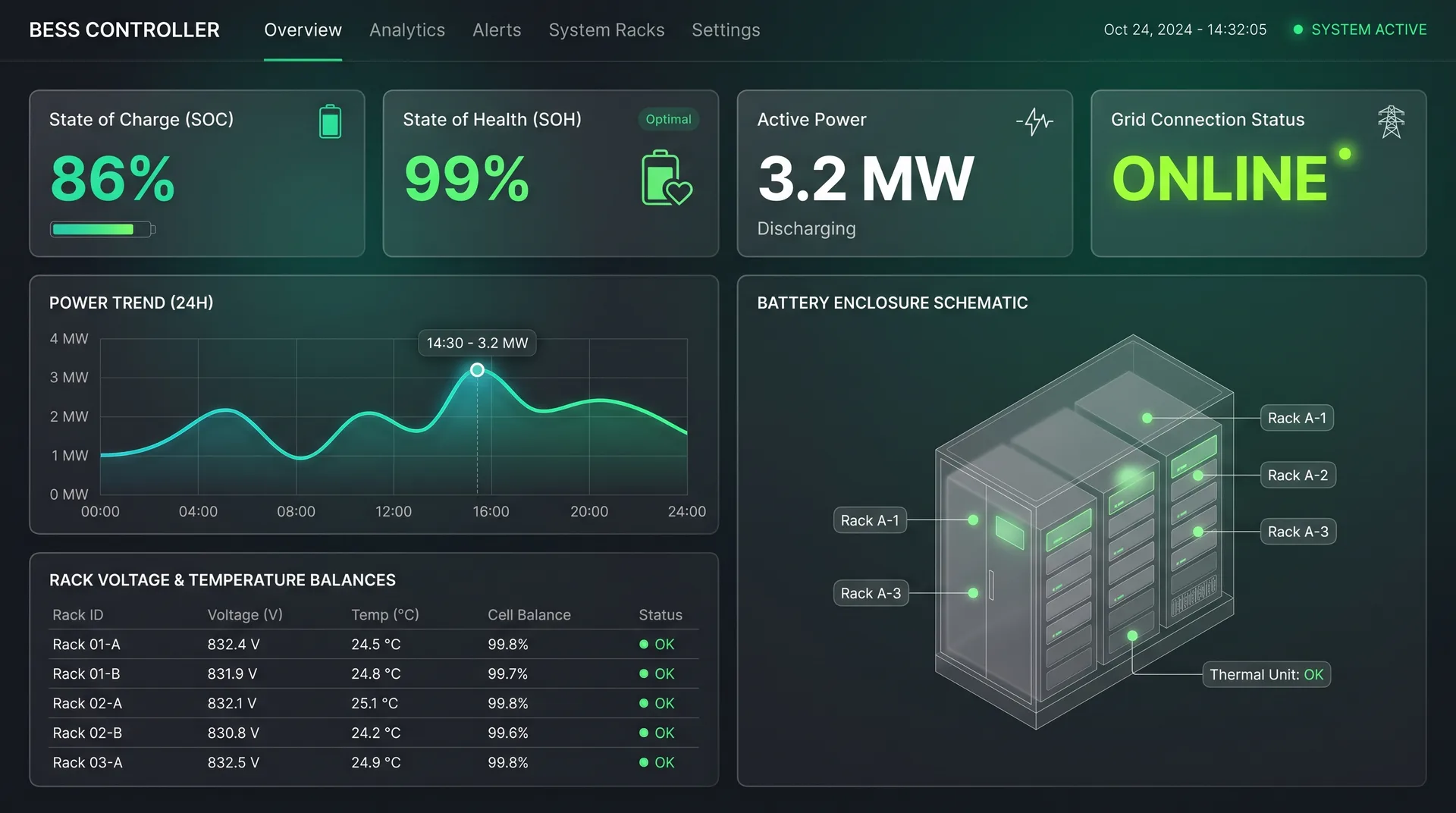
Every site with a battery asks the same question: when should it charge, and when should it supply the site? The new BESS & V2H module shows the battery and connected electric vehicles on one screen. Vehicles do not only charge; above their reserve level they can also supply the site (V2H).
Live power flow
Energy flow between grid, solar, load, battery and chargers in one diagram.
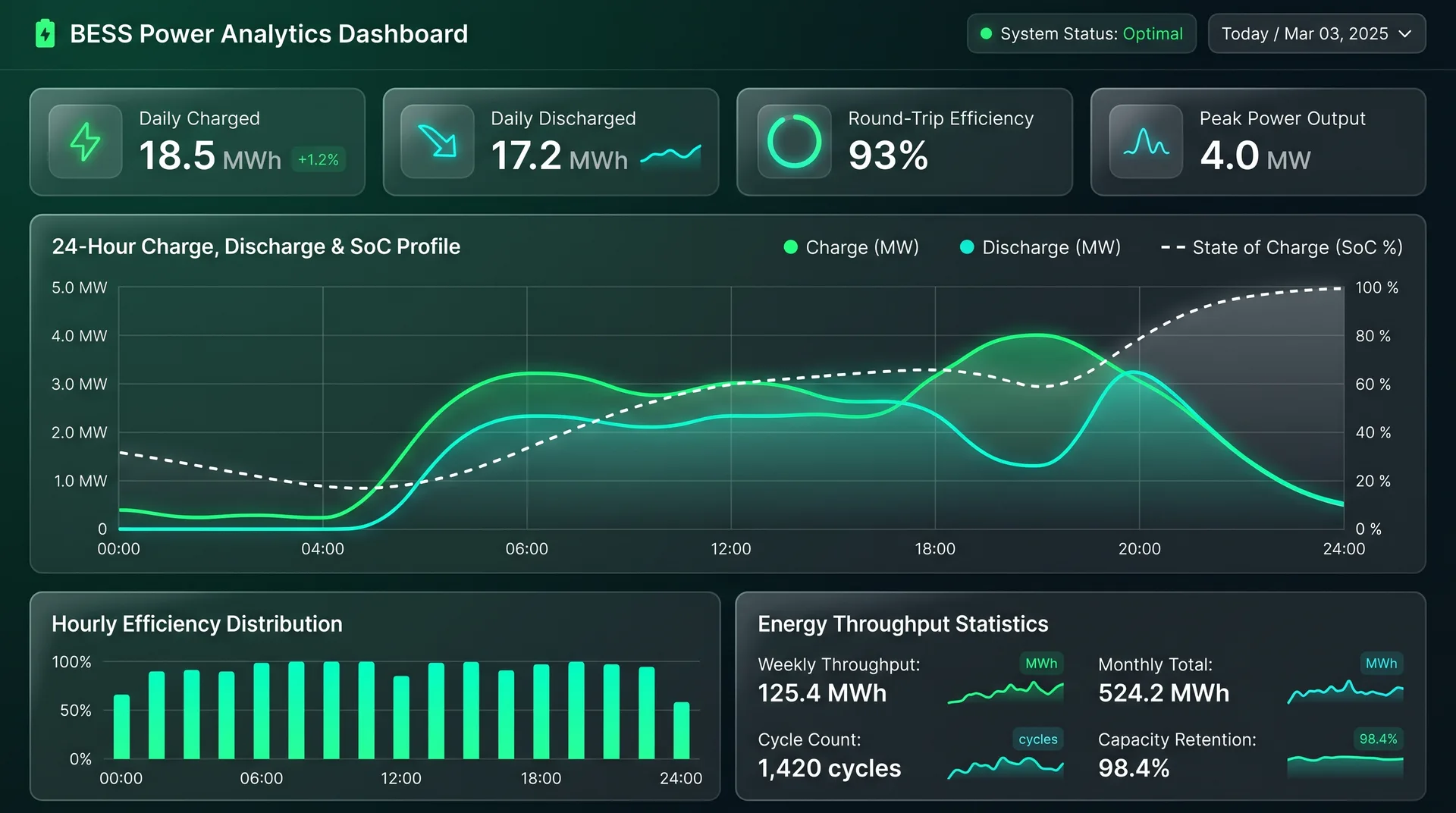
24-hour chart and SOC
Power profile and battery state of charge (SOC) on one chart.
Strategy and scheduling
Pick a charge/discharge strategy, build a weekly plan, set safety limits.
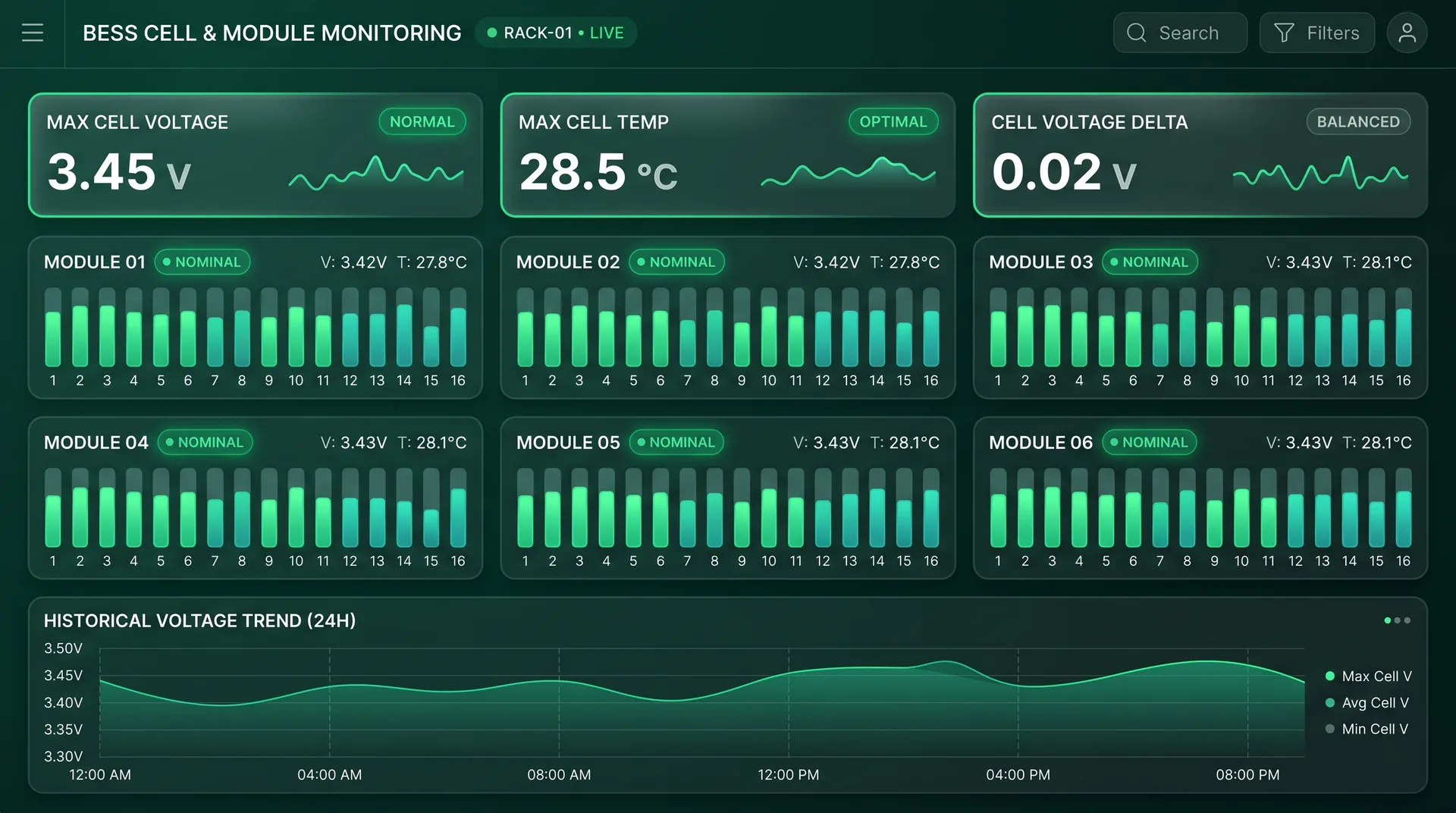
Bidirectional charging (V2H)
Each vehicle's SOC and reserve line; Charge, V2H and Stop commands.
Calendar and session history
Day status on a monthly calendar, hourly table and Excel export.
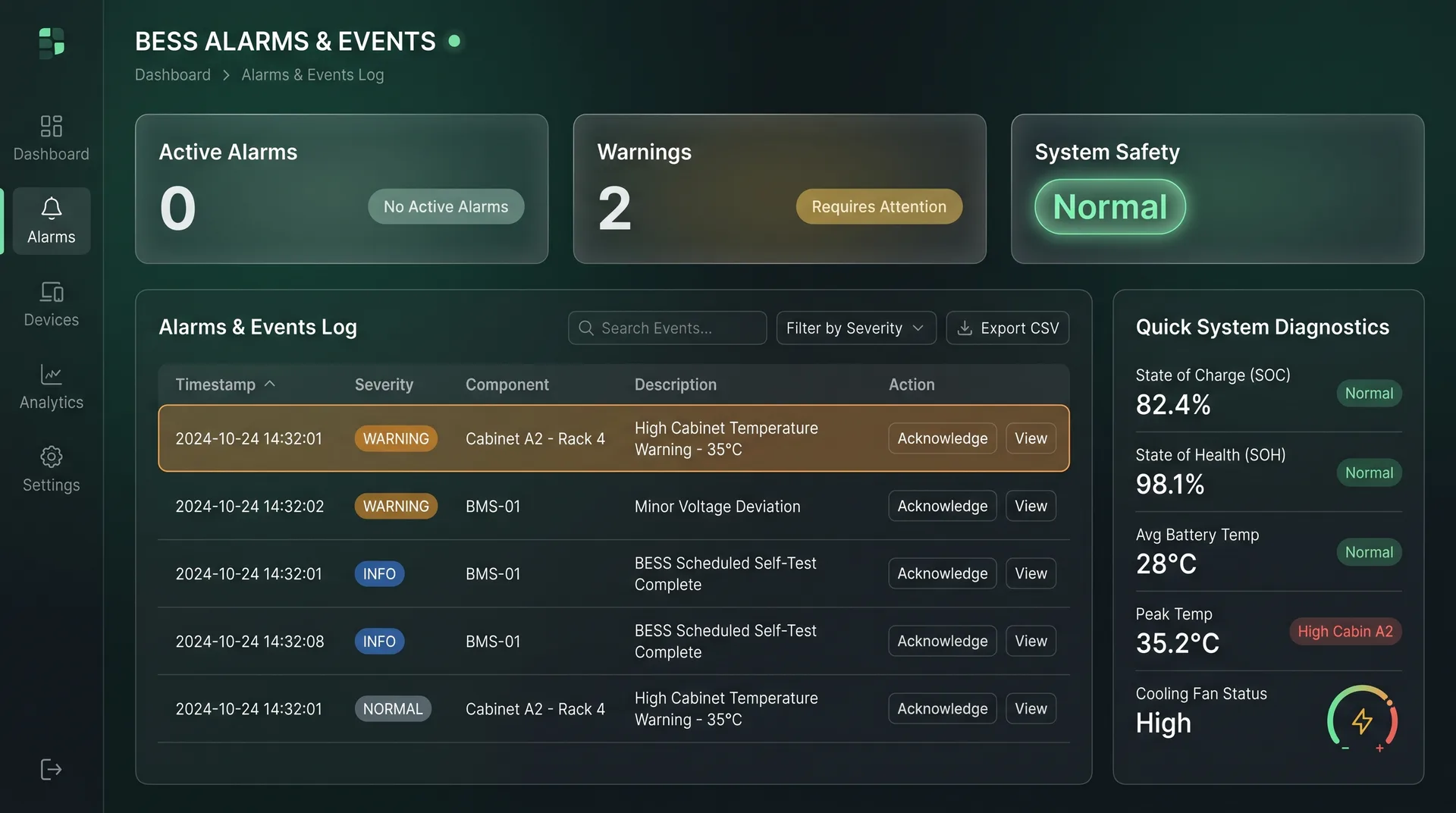
Event log
Filter events and acknowledge them.
How it works
Get started in three steps
- 1
Get the module enabled
BESS & V2H is enabled per company, based on the equipment on site.
- 2
Connect battery and chargers
Battery, inverter and chargers reach the platform through the site controller.
- 3
Pick the strategy
The site controller runs the battery and vehicles by the strategy you choose.
Who is it for?
Who benefits most?
Factories with batteries
Sites that want to cut grid draw during peak hours.
Solar + battery sites
Plants that want to shift daytime output to the evening.
EV fleets
Teams that charge vehicles and want to draw energy from them when needed.
EPCs and integrators
Teams that want to monitor battery projects on one platform.
Gallery
Take a closer look
FAQ
Common questions
Is the module available now?
The interface is ready and in preview with sample data. A live battery connection needs a site-specific setup. Talk to us about fit.
What is V2H?
Vehicle-to-home (here, vehicle-to-site): a vehicle on a bidirectional charger can supply the site while it is above the reserve level you set.
Who sees which screens?
The module is enabled per company and the visible screens are set for your site. Viewer-role users cannot change controls.
Talk to our team to manage your battery and EVs on one platform.
More updates
All of What's New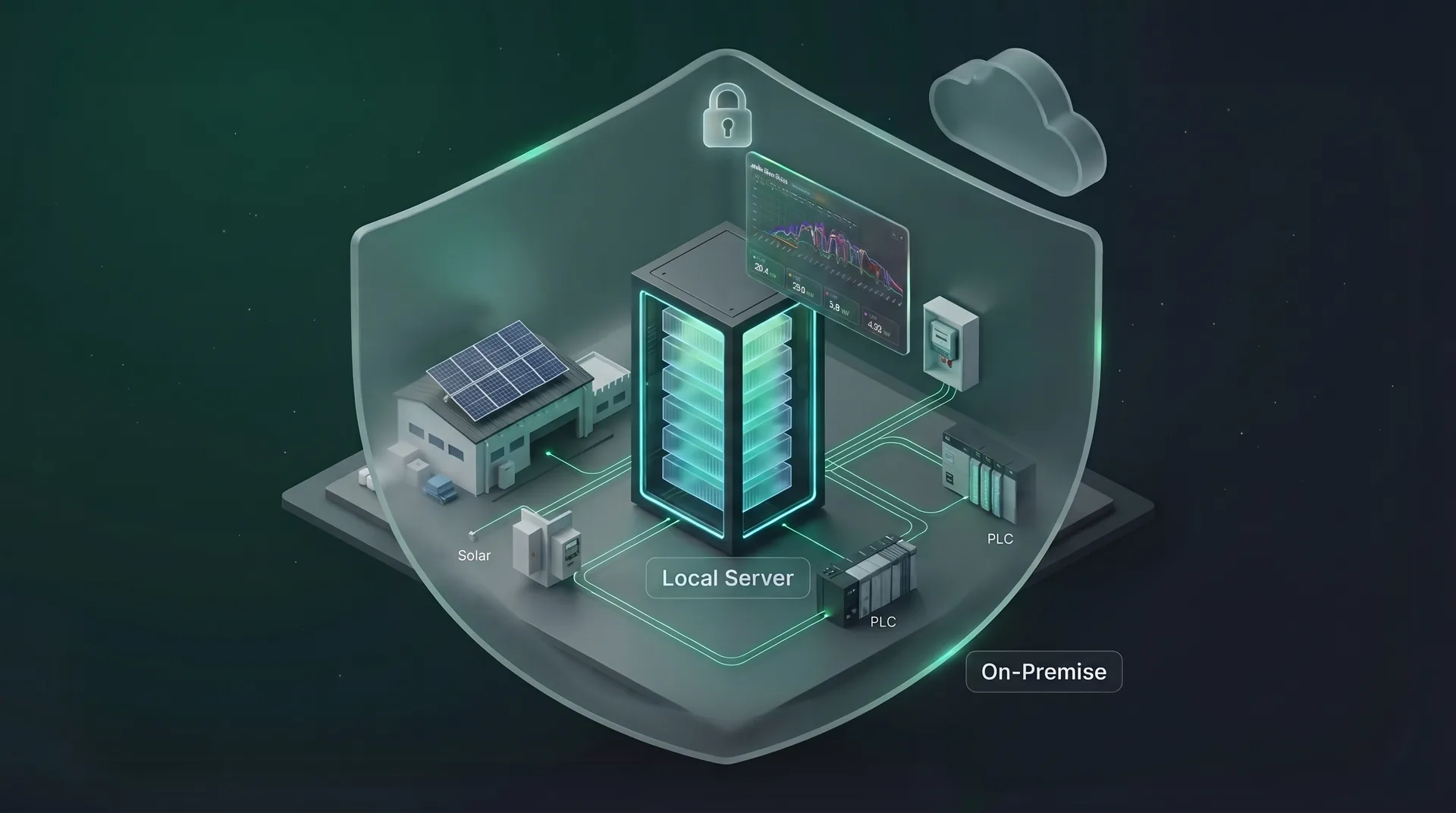
SolarTools Now Runs on Your Own Server with Docker
SolarTools can now be installed on your own server with Docker. The same dashboards, SCADA, alarms and reports — without data leaving the site.
Read more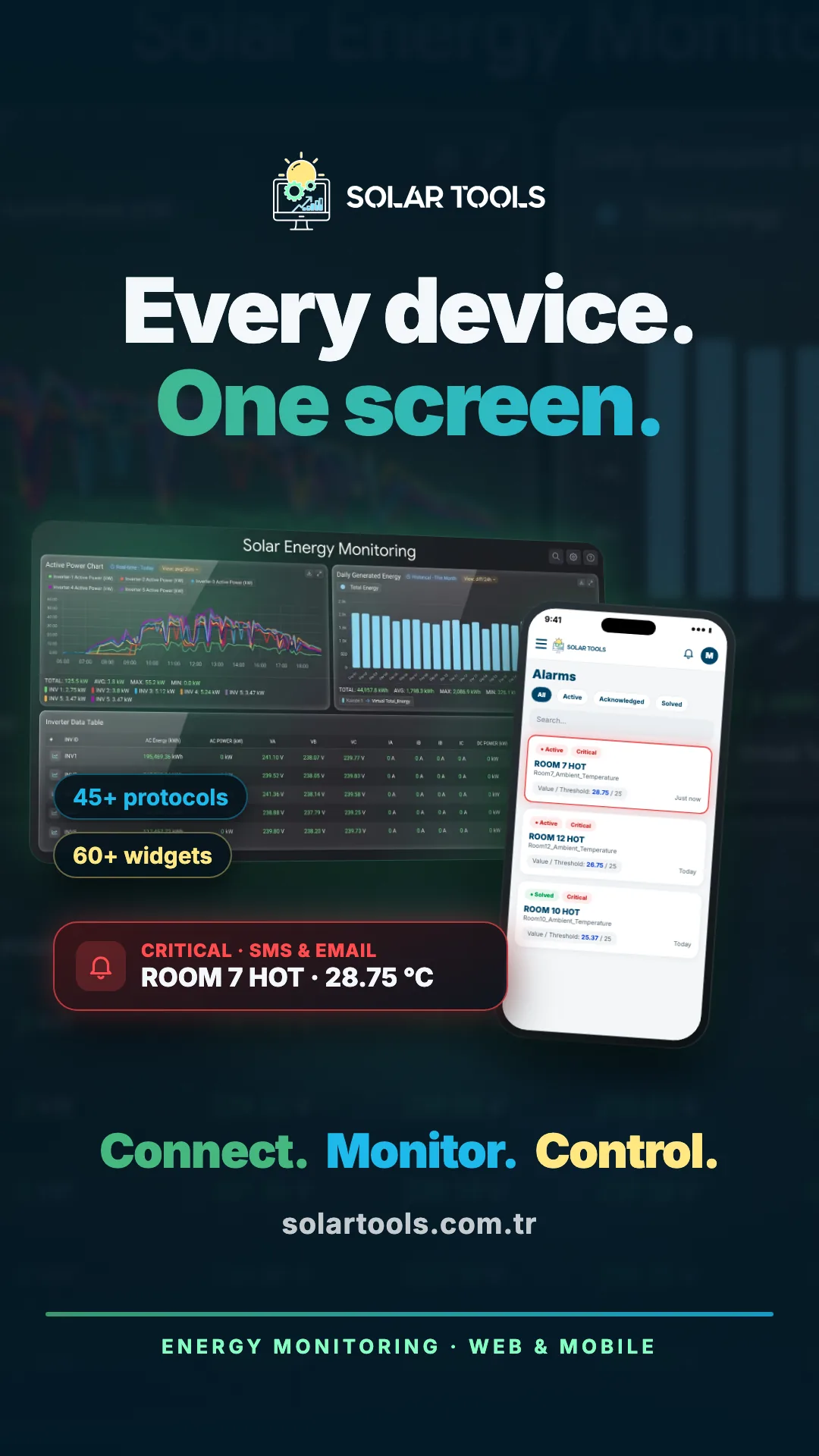
Mobile App: Your Facility in Your Pocket
Monitor dashboards, real-time data, device and solar plant status from iOS and Android. Critical alarms arrive as instant notifications.
Read more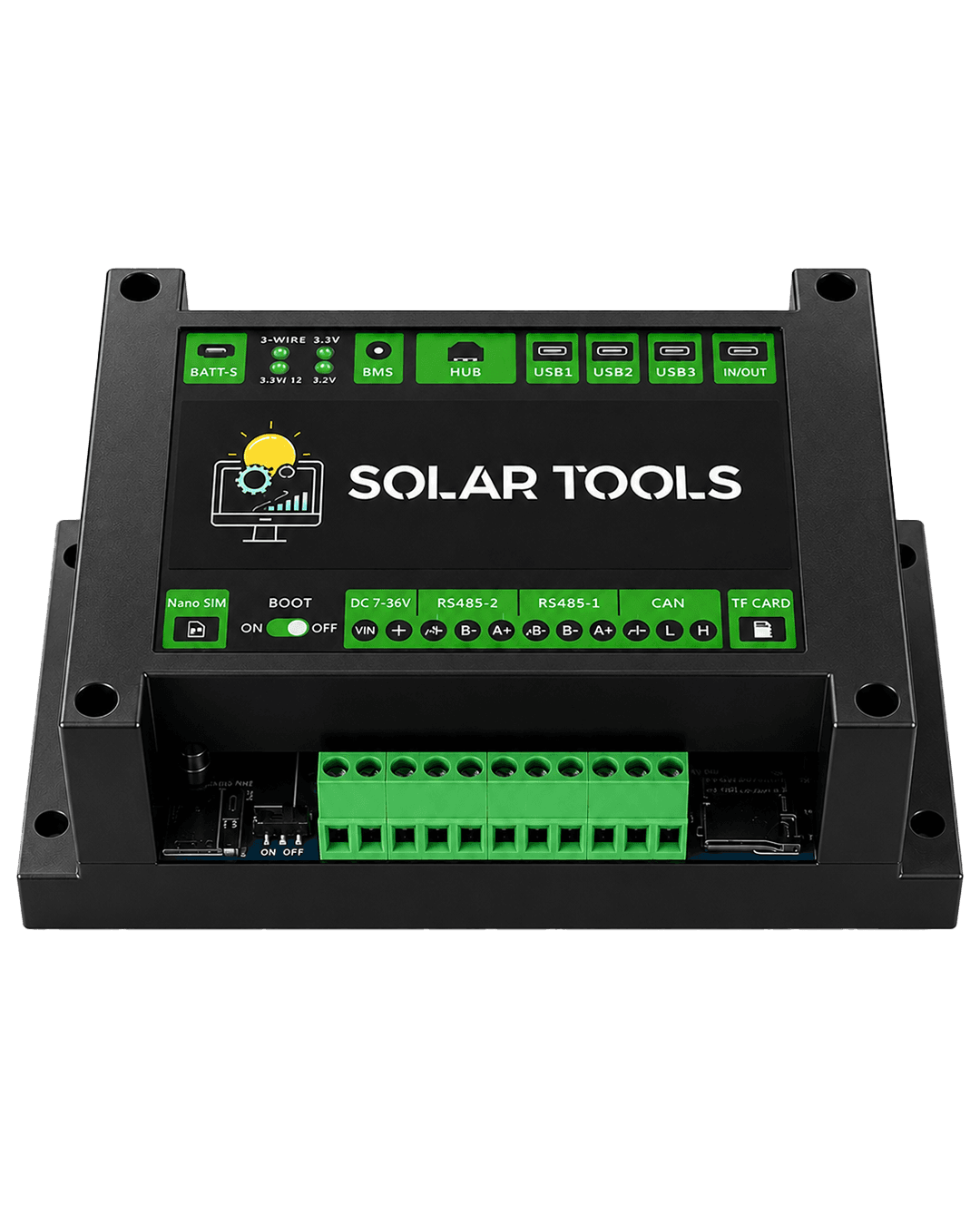
SolarTools Gateway: Every Field Device on the Platform with One Box
The Gateway Standard Kit reads your Modbus devices, keeps data when the link drops, and is configured and updated remotely from the portal.
Read moreEnergy, solar and IIoT on one platform
In the cloud or on your own server. Sign up free.